Exit Strategy: Keeping a Small Network Alive When a UK Altnet Folds
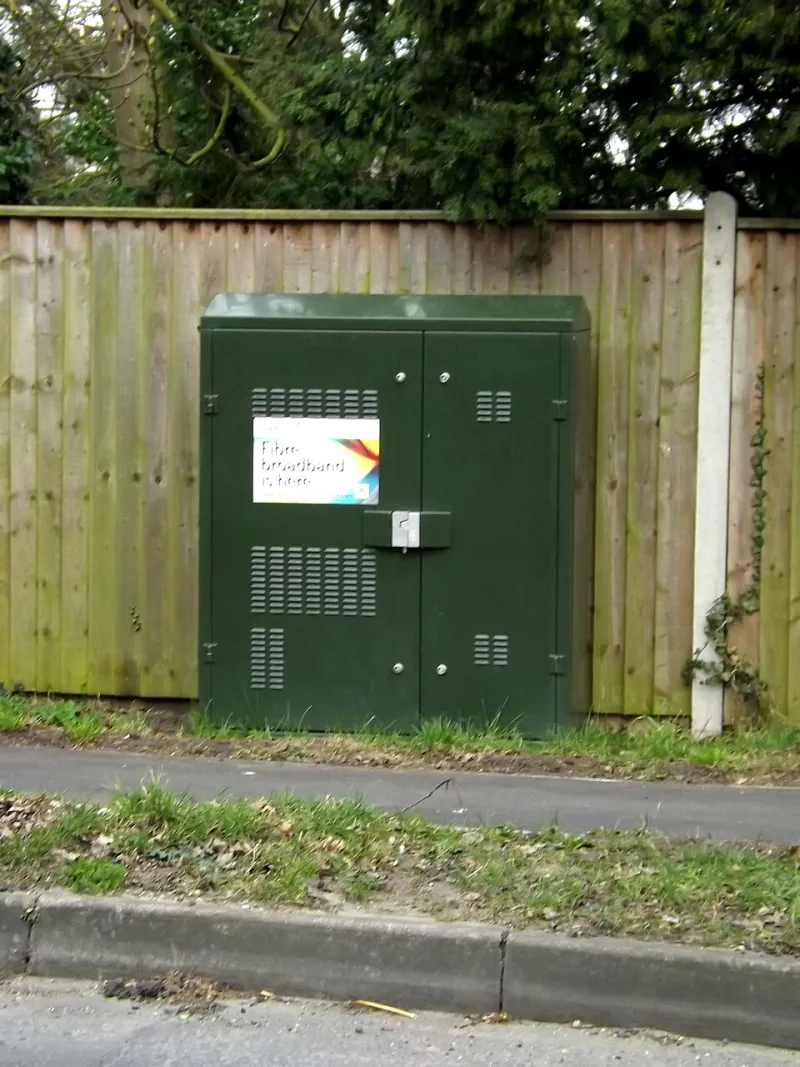
Photo: Geographer , CC BY-SA 2.0, via Wikimedia Commons
The UK's alternative broadband market has matured quickly. That is good news for competition, but it also means that some smaller providers will merge, retrench or fail. For a home lab or small office that depends on an altnet, the risk is not simply losing an internet connection. The real risk is losing the supporting details: a static IP address, a DNS arrangement, a remote-access path and a contract that is harder to exit than expected.
A contingency plan is not pessimism. It is ordinary network hygiene. The goal is to make a provider change boring: a planned cutover, a short overlap, and no late-night rebuild of services that should have been documented months earlier.
Know the contract before you need it
Start with the paperwork. Confirm the minimum term, notice period, early-termination charges and any automatic renewal. Check whether the service is a residential or business product, because the terms differ. Look for price-rise clauses that trigger an exit right, equipment-return obligations, and any conditions attached to static IP addresses or hosted services.
Keep a copy of the contract and the latest invoice outside the provider's portal. If the provider becomes insolvent or is acquired, portal access can disappear quickly. Record the account number, circuit ID, support email and any order references. Note whether the service is delivered directly by the altnet or through a wholesale arrangement with another network operator.
If the service includes a router or optical network terminal on loan, establish now how it should be returned and what evidence is required. Do not assume that a failing provider will make returns easy. A photograph of the equipment and its serial numbers is useful.
Establish a second path now
A backup connection is only useful if it is tested. For a small office, a 5G router with a SIM from a different mobile network is often the quickest fallback. For a home lab, a second FTTP service from a different infrastructure provider is stronger, but it may not be affordable or available. Satellite service can fill a rural gap, though latency and cost make it a poor first choice for interactive work.
The backup should not share the same physical duct, power strip or switch as the primary service if that can be avoided. A dual-WAN router can fail over automatically, but it should be configured deliberately: decide which services are allowed to use the backup, how NAT and firewall rules behave, and whether inbound remote access survives the change. Test the failover monthly by disabling the primary WAN, not by trusting the status light.
Keep a charged mobile hotspot and a known-good Ethernet cable in the cupboard. In a genuine outage, the ability to reach a console port or a local management interface matters more than a perfect speed test.
Preserve naming and addressing
DNS is the part most likely to break during a switch. Keep domain registration and DNS hosting separate from the broadband provider. If the ISP supplies DNS servers, do not hard-code them in every device; use a resolver you control or a reputable public resolver with a secondary. Before a planned migration, lower the TTL on important records to 300 seconds. Raise it again after the cutover is stable.
Static IP addresses are a particular risk. Some altnets provide them; others use carrier-grade NAT. If remote access depends on a static IP, document every firewall rule, port forward and reverse-proxy entry that uses it. Where CGNAT is in use, a VPN overlay or a tunnel to a small public relay is usually more robust than hoping for an inbound port. Services such as WireGuard, Tailscale or Cloudflare Tunnel can provide remote access without a fixed public address, but they must be tested before the primary line disappears.
IPv6 deserves the same attention. A new provider will usually issue a different prefix. Do not hard-code the old prefix in firewall rules, monitoring checks or DNS records. If the lab uses IPv6 internally, confirm that the new router can delegate a suitable prefix and that the firewall policy is rebuilt from a template rather than memory.
Email and other domain-dependent services need a separate check. If the lab runs mail, review SPF, DKIM and DMARC records before changing connectivity. If the provider hosts mail or a website, establish whether those services move with the broadband contract or need a separate migration.
The switch checklist
Four weeks before a planned migration, audit every service that depends on the connection. List the router, firewall, VPN, reverse proxy, mail server, monitoring agent and any dynamic DNS client. Export configurations. Lower DNS TTLs. Confirm the new provider's installation date and whether it needs access to the premises.
One week before, order the new line if it is not already installed. Test it alongside the old service. Configure the dual-WAN router or a temporary second router so that both paths can coexist. Update documentation with the new circuit ID, IP addressing and support contacts. Tell remote users what to expect.
On cutover day, do not cancel the old service until the new one has carried real traffic for several days. Change DNS records, test inbound and outbound access, and confirm that monitoring sees the new path. Check that backups still run and that remote-access sessions reconnect. Keep the old line as a fallback for as long as the contract allows.
After the switch, return equipment, cancel in writing and revoke unused credentials. Update network diagrams and the asset register. Remove the old provider's DNS servers and any stale firewall rules. A migration is not finished until the documentation matches reality.
When the provider fails suddenly
If an altnet fails without notice, assume that service and portal access may continue only briefly. Do not wait for a formal letter. Order an alternative connection immediately, even if it is a temporary 5G service. Preserve evidence of the contract and any prepaid charges. If the provider is in administration, follow the administrator's instructions for claims and equipment returns, but prioritise restoring connectivity first.
Remote access should be the first service restored, followed by DNS and mail. Local administration should not depend on the failed provider's portal. Keep an out-of-band path to the router and a local copy of credentials. If the public IP address changes, update DNS promptly and use a low TTL so that clients recover quickly.
A small office runbook
A practical runbook fits on two sides of A4: provider contacts, circuit IDs, contract dates, static IPs, DNS zones, VPN endpoints, firewall rules and the order in which services are restored. It should name a deputy who can action it. It should be reviewed when a contract renews, not only when something breaks.
For Daranet readers, the lesson is straightforward. A broadband provider is a supplier, not a foundation. Treat the connection as one component in a documented system, keep a second path within reach, and make sure that naming, addressing and remote access can survive a change of supplier. The altnet may disappear; the network does not have to go with it.